FOR LANDSCAPING BUSINESSES
Keep every visit, season and payment in step.
Schedule regular service, keep property notes handy, invoice finished work and make the next visit easy to plan.
Built for solo operators. No sales call required.
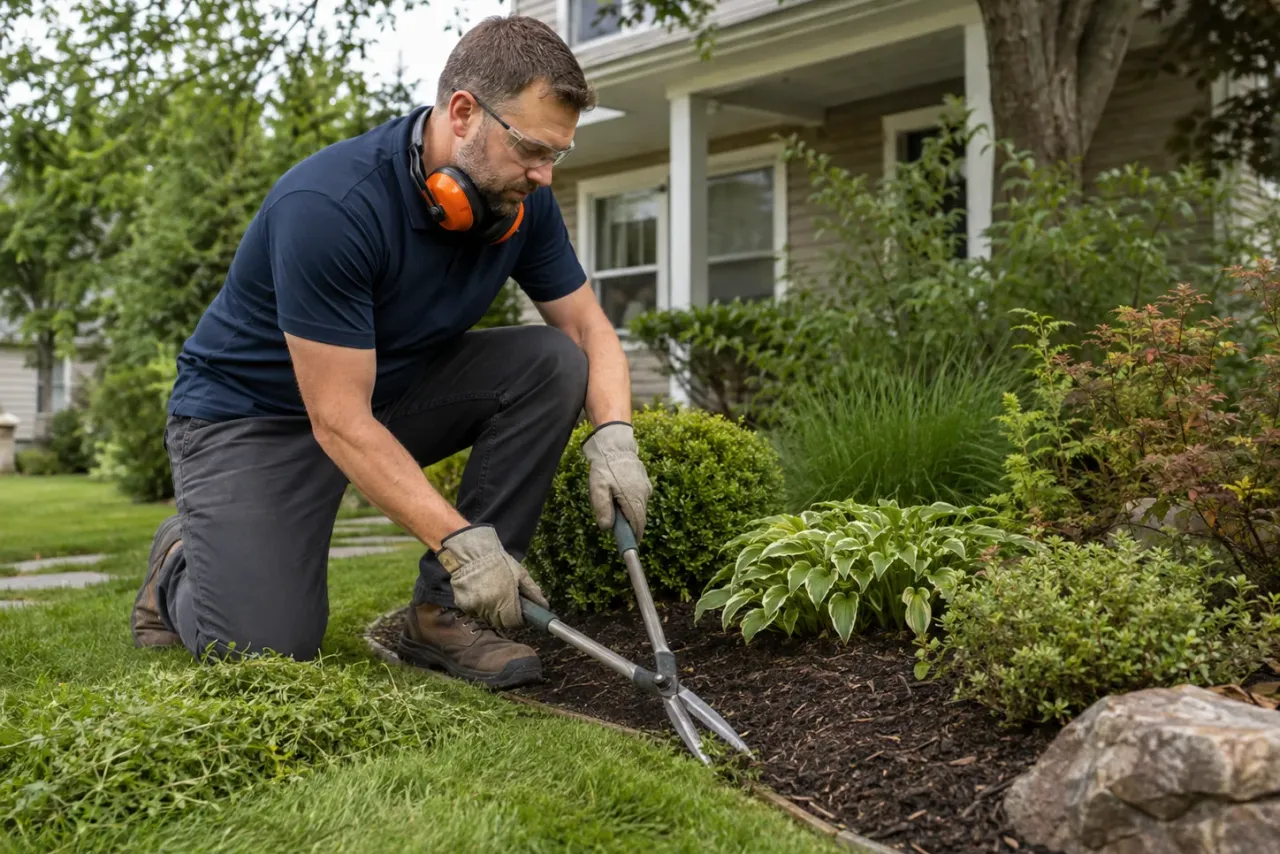
WHAT CHANGES
Spend less time piecing the business together after the work is done.
See the jobs, customer details, invoices and follow-ups that matter without keeping separate lists.
Keep recurring work predictable
See regular visits and one-off projects together without rebuilding the week.
Carry property details forward
Keep access, preferences and previous work with the customer.
Stay ahead of seasonal gaps
Use customer history to prepare relevant outreach before the schedule goes quiet.
HOW IT WORKS
From the first customer message to money in the bank.
Customer details, job notes and billing stay connected so you can finish each step without starting over.
Kept together through the day
- Customer details stay with the job
- Notes are ready before the visit
- Invoicing follows completed work
STEP 01
Capture the request
Keep the customer, service, address and preferred timing together from the first message.
STEP 02
Do the work with the details ready
Open the job from your phone, check the history and add anything worth remembering.
STEP 03
Invoice and stay remembered
Send the invoice, track payment and keep the next useful follow-up visible.
WHAT YOU GET
Everything a solo landscaper needs to stay on top of the day.
Use the tools that fit your work and leave the team-management clutter out of the way.
Recurring job visibility
Keep repeat service dates clear beside one-off work.
Property history
Record practical notes that make future visits easier.
Seasonal planning
Identify customers and services that fit the next seasonal window.
Connected invoicing
Create invoices from completed visits and projects.
Payment overview
Keep outstanding customer balances visible.
Follow-up drafts
Prepare a relevant seasonal message and approve it before sending.
COMMON QUESTIONS
Clear answers before you start.

Can I use TradePocket for recurring landscaping visits? +
Yes. The schedule and customer history are designed to support repeat service work alongside one-off jobs.
Can I keep notes for each property? +
Yes. Practical property and service notes stay connected to the customer record.
Is TradePocket designed for a one-person business? +
Yes. TradePocket is made for people running a service business on their own, with customers, jobs, invoices and follow-ups kept together.
Can I use TradePocket on my phone? +
Yes. Use TradePocket on desktop and phone so the day’s jobs, customers and payments are available wherever you are.
KEEP EXPLORING
Explore more of our solutions.
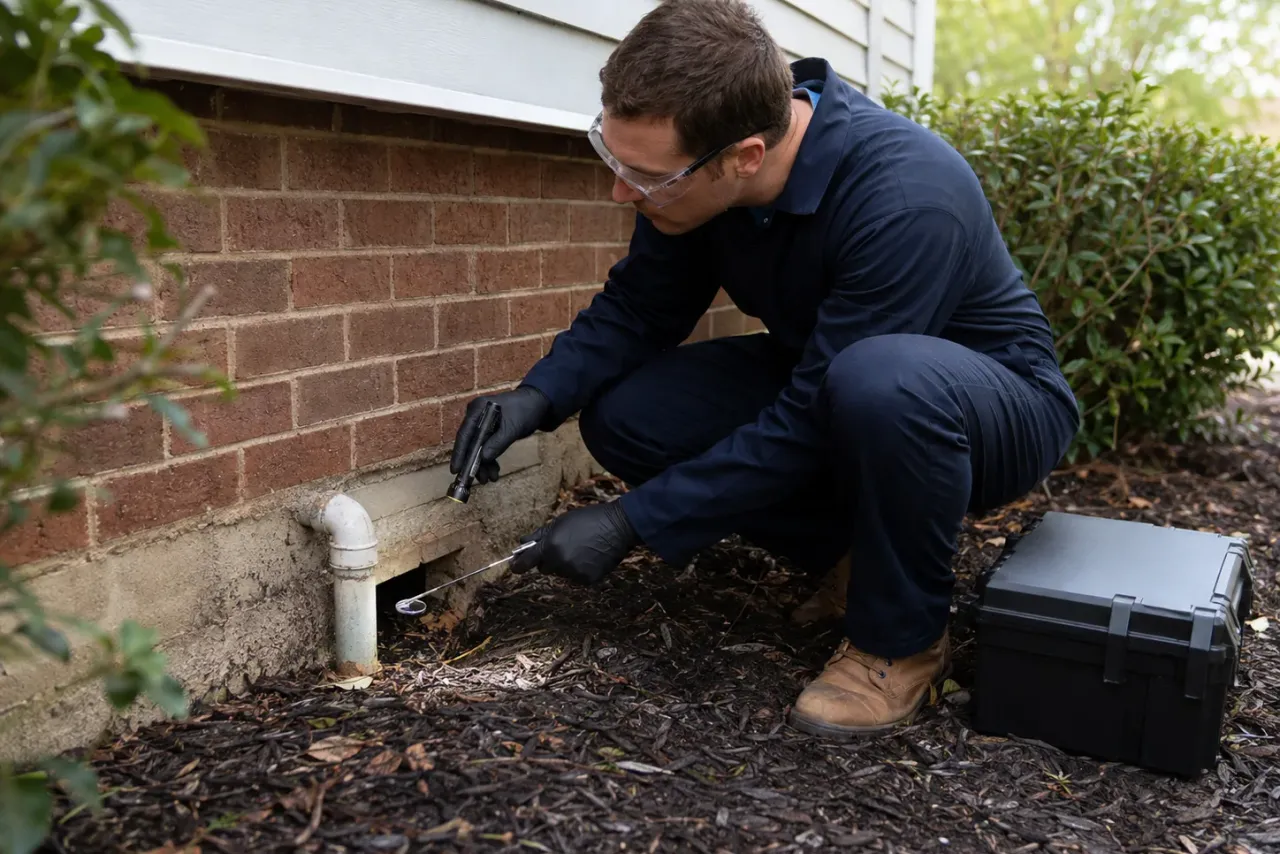
Pest control businesses
Plan efficient treatment routes, remember property history, record materials and keep seasonal customers returning at the right time.

Lawn care businesses
See every property on the schedule, plan a sensible route and keep mowing, treatment and seasonal details ready for each visit.

Pool service businesses
Plan regular maintenance, record readings and treatments, remember equipment history and keep repairs and seasonal work visible.

Less admin starts here
Keep the work moving and the whole business under control.
Bring your schedule, customers, invoices, payments and useful follow-ups into one calm workspace built for people doing the work.
Start using TradePocket