CUSTOMER NEWSLETTERS AND PROMOTIONS
Stay remembered. Skip the extra marketing tool.
Choose the customers who should hear from you, start with a polished template or write your own message, preview every detail and approve the final send inside TradePocket.
Built for solo operators. No sales call required.

WHAT CHANGES
Turn customer history into useful reasons to get back in touch.
Send an occasional update, seasonal offer or service reminder to the right people without exporting contacts or learning a separate newsletter platform.
Fill a quiet patch with relevant work
Reach customers who are a sensible match for an opening, seasonal service or limited offer.
Stay useful between jobs
Share a service reminder or practical update that keeps your business familiar without flooding inboxes.
Keep the response connected
See replies and booking requests beside the campaign, then connect resulting work back to the customer.
HOW IT WORKS
From customer list to approved send in one calm flow.
Choose the audience and purpose first. TradePocket helps you write and present a relevant update, while you keep control of every recipient and every word.
Kept together through the day
- Customer details stay with the job
- Notes are ready before the visit
- Invoicing follows completed work
STEP 01
Choose the right customers
Select individuals or build a group from service history, location, previous work or follow-up timing.
STEP 02
Create and preview the message
Pick a branded template, write your message and check every detail against the selected audience and campaign goal.
STEP 03
Approve, send and follow the response
Review recipients, subject, content and mobile preview before sending, then keep replies and requests connected.
WHAT YOU GET
A small newsletter system with the useful parts built in.
Create professional customer emails, use the work history already in TradePocket and understand which messages lead to replies, requests and recovered jobs.
Customer selection
Choose exactly who should receive a message without exporting and cleaning a separate mailing list.
Branded templates
Start with branded templates for offers, seasonal notes, availability updates, reminders and business news.
Reusable message templates
Reuse a helpful starting point for regular updates, with wording that fits your business.
Desktop and mobile preview
Check the finished email before it leaves so the message feels clear and professional on any screen.
Approval and send controls
Nothing is sent automatically. You confirm the recipients and final content before every campaign.
Replies and recovered work
Keep resulting replies and booking requests visible, with won work connected back to the customer and campaign.
COMMON QUESTIONS
Clear answers before you start.

Do I need separate newsletter software? +
No. Create focused customer newsletters, promotions and service updates using the customer records already in TradePocket.
Can TradePocket send a promotion without my approval? +
No. You must review the recipients, subject, message and final preview before every send.
Can customers unsubscribe? +
Yes. Every newsletter includes a clear unsubscribe option, and TradePocket remembers that customer’s preference for future sends.
Can I tell whether a newsletter brought work back? +
Replies and booking requests can stay connected to the campaign, and resulting jobs can be linked back to the customer so the outcome is visible.
Is TradePocket designed for a one-person business? +
Yes. TradePocket is made for people running a service business on their own, with customers, jobs, invoices and follow-ups kept together.
Can I use TradePocket on my phone? +
Yes. Use TradePocket on desktop and phone so the day’s jobs, customers and payments are available wherever you are.
KEEP EXPLORING
Explore more of TradePocket Core.

Customer management
TradePocket keeps contact details, job history, notes, invoices and future follow-ups in one customer record built for repeat service work.
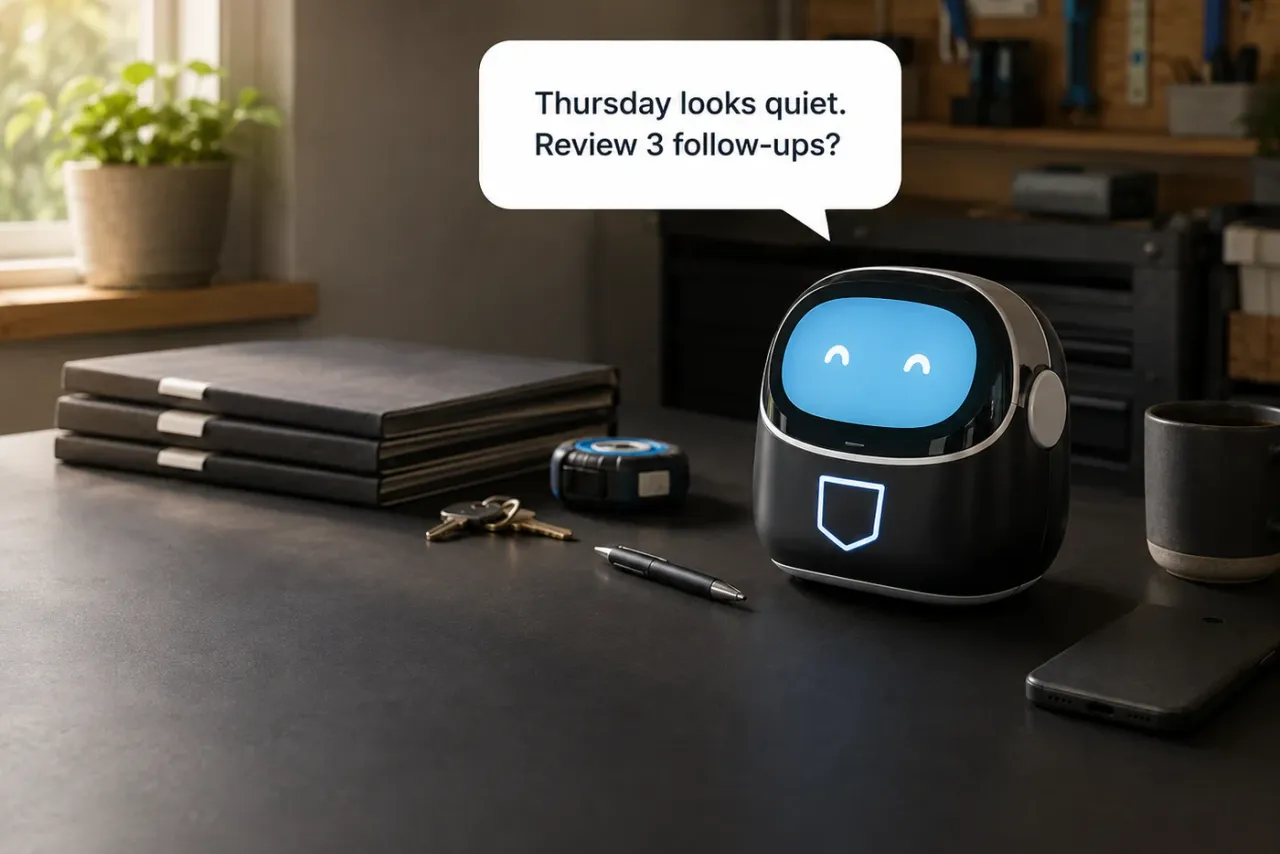
TradePocket AI Business Assistant
The TradePocket AI Business Assistant can review your schedule and customer history to identify quiet periods, suggest useful follow-ups and prepare ready-to-edit messages. Nothing is sent without your approval.

Online booking
Collect the customer, service and timing details you need before the phone tag begins, then keep the request connected to the schedule and customer record.

Less admin starts here
Keep the work moving and the whole business under control.
Bring your schedule, customers, invoices, payments and useful follow-ups into one calm workspace built for people doing the work.
Start using TradePocket