Getting paid
Invoicing software for contractors: a practical buying guide
What solo contractors should look for in invoice software, including job handoff, payment status, mobile use and customer history.

The best invoicing software for a contractor is not the one with the longest accounting feature list. It is the one that helps a completed job become a clear invoice and a collected payment with the least repeated work.
Start at the end of the job
Picture the moment the customer is satisfied and the tools are packed away. Can you create the invoice while the service details are still fresh?
If the software requires you to return home, open a laptop and rebuild the customer and job information, invoicing will keep slipping into the evening.
A connected invoicing and payments workflow should already know the customer, service address and job description. You should only need to confirm the final details and amount.
For quoted work, the same connection should begin earlier. The accepted scope and price from your quotes and estimates should carry into the job and be ready when the invoice is created.
Make the invoice easy to understand
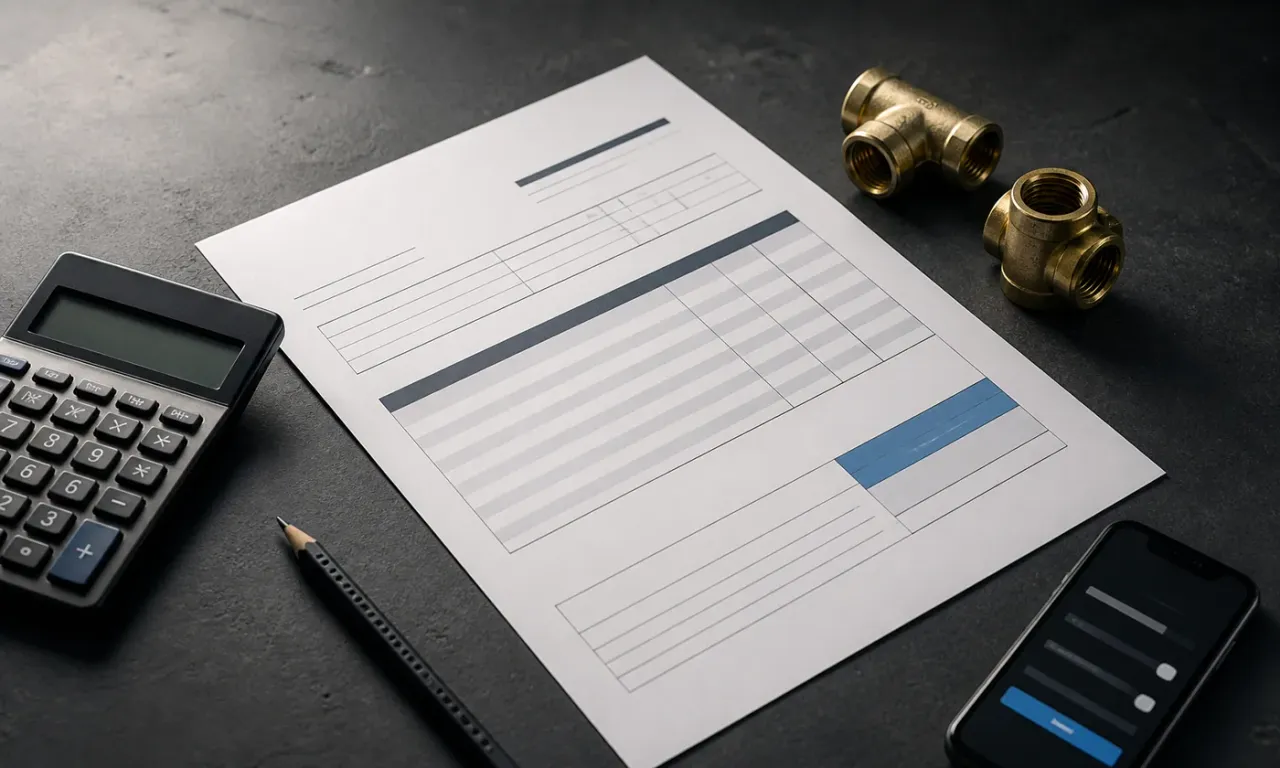
A professional contractor invoice should clearly show:
- Your business and contact details
- The customer and service address where relevant
- A unique invoice number
- The work completed
- Labor, materials and tax where applicable
- The total amount and due date
- Accepted payment methods
Legal and tax requirements vary by location, so confirm the rules that apply to your business. Software can support a clear format, but it does not replace local accounting advice.
Keep status visible
Sending the invoice is not the final step. You need a reliable view of what is sent, due, overdue and paid.
The status should live beside the invoice and customer history. That makes it easier to answer a customer question and prevents the same reminder from being sent twice.
Look for customer history, not only documents
An invoice rarely exists in isolation. It belongs to a customer, a job and often an ongoing service relationship.
When invoices remain connected to a contractor customer record, you can understand previous work and payment context without searching folders or email.
Test the mobile workflow
Create a realistic sample invoice on your phone. Include multiple line items, adjust the description, check the total and preview what the customer receives.
Pay attention to the small points that create friction:
- Is the correct customer easy to find?
- Are job details carried across?
- Can you correct a mistake without starting again?
- Is the total clear before sending?
- Can you see the invoice status afterward?
Keep payment reminders human
Start by checking the invoice and the customer's circumstances. A polite, specific reminder can make the amount, reference and next step clear without escalating a question unnecessarily.
Templates can save time, but the message should remain editable. A long-term customer with an unusual delay may deserve a different tone from a first reminder sent the day after the due date.
Compare the full cost and the awkward cases
Try the worked contractor invoice with your own sample customer. It includes a deposit, so it helps reveal whether the amount already received is handled clearly rather than deducted twice.
| Check | Question to resolve before choosing |
|---|---|
| Deposit or partial payment | Can you distinguish the invoice total, payments received and balance due? |
| Correction after sending | What happens to the original record and the customer's copy? |
| Payment method | Which methods are available to your business, and what separate fees or settlement conditions apply? |
| Ongoing price | Which subscription, add-on or transaction charges apply to the way you will use it? |
| Accounting handoff | What information can your bookkeeper receive, and how will you avoid counting the same transaction twice? |
| Record portability | Can you obtain the invoices, customer records and supporting attachments you need? |
For an illustrative comparison, Tool A might meet the deposit test but require a separate export step, while Tool B might automate an accounting handoff but cost more for your expected use. Those are fictional alternatives, not product reviews. Write down the tradeoff you actually observe instead of treating either feature as automatically essential.
Confirm current prices and payment terms directly with each provider. Do not compare a headline monthly price for one tool with the complete cost of another.
Understand the boundary with accounting
Operational invoice software helps you create, send and track customer invoices. Accounting software may handle bookkeeping, expenses, tax reporting, reconciliation and financial statements.
Some businesses will use both. Choose tools that make the boundary clear and avoid entering the same information repeatedly.
For a solo contractor, speed and visibility usually matter most. Build a short end-of-job routine, invoice while the context is fresh and keep outstanding money visible until it is resolved.
KEEP READING
More practical guidance.
Getting paid
How to write a contractor invoice that is easy to understand and pay
A clear contractor invoice checklist covering business details, job descriptions, totals, due dates and payment instructions.

Getting paid
The five-minute end-of-job routine that gets invoices sent faster
A repeatable close-out routine for finishing notes, sending the invoice and keeping payment status visible before the next job begins.

Customer communications
Business phone numbers for solo contractors: what to choose
Choose a business number that feels professional, protects your personal line and still works naturally while you are on the job.

Less admin starts here
Keep the work moving and the whole business under control.
Bring your schedule, customers, invoices, payments and useful follow-ups into one calm workspace built for people doing the work.
Start using TradePocket