Customer management
Contractor CRM: the customer record a solo business actually needs
Learn what a practical contractor CRM should store and how customer history can improve repeat work, preparation and invoicing.

CRM stands for customer relationship management. For a solo contractor, that should mean something practical: knowing who the customer is, what work happened before and what is likely to matter next.
It does not need to mean a complicated sales pipeline built for an office team.
Build one useful customer history
A contractor customer record should connect:
- Contact details
- Service address
- Upcoming and completed jobs
- Practical job notes
- Quotes or agreed work
- Invoices and payment status
- A sensible future service date
When those details are split between a phone, calendar, email and invoicing tool, the relationship becomes harder to see.
TradePocket’s customer management tools are designed to keep that operational history together.
Record what your future self will need
Good notes reduce the time needed to prepare for a return visit. Record details that would otherwise require another inspection, a customer question or ten minutes searching old messages.
Useful examples include equipment or model details, what was found, what changed, parts that may matter later and practical access information.
Keep the notes factual and professional. Do not store sensitive personal information unless it is genuinely necessary for the service and handled appropriately.
Make repeat work relevant
A strong customer history can reveal natural follow-up timing. Annual servicing, seasonal maintenance, inspections and recurring visits all create reasons to contact a customer again.
The purpose is not to message everyone constantly. It is to find the people for whom a reminder would be timely and useful.
See how to follow up with past customers without turning the relationship into a campaign.
Connect the CRM to the schedule
When a returning customer books, the previous history should be available from the new job. That connection helps you arrive prepared and makes the conversation feel more professional.
The job schedule should also add to the customer history as work is completed. The CRM should grow naturally from the work, not demand a separate data-entry session.
Keep invoices in context
Invoice questions are easier to resolve when the billing record is connected to the relevant job and customer.
You can see what was completed, what was charged and whether payment is still outstanding. That context is more useful than a folder of disconnected invoice documents.
Evaluate the history you can actually recover
Use one illustrative customer with two past visits, one unpaid invoice and a request for a future service. Ask the same questions of each tool you are considering. Record what you could confirm, what was missing and whether any essential task required a separate process.
| Test | Evidence worth keeping |
|---|---|
| Find the previous work | You can identify the date, agreed work and final note without confusing separate visits |
| Answer an invoice question | The invoice belongs to the correct job and its payment status is understandable |
| Correct a customer detail | You understand which future records use the correction and what remains in historical documents |
| Avoid duplicate customers | You can identify and resolve duplicates without losing useful history |
| Leave the service later | The provider can explain which records and attachments you can export and in what format |
Treat an untested export promise as a question to resolve, not a completed check. Ask for a sample export of your own test data and confirm that it contains what you would need if the business changed tools.
Keep your assessment proportionate. If you only need a contact book, a connected job system may be unnecessary. If you regularly answer questions about past work and invoices, the connection may save repeated searching. The decision depends on your work, not a feature count.
Use the completed customer-note example for the detail worth retaining after each visit. That article covers writing the note; this checklist helps decide whether the system will keep it useful.
Avoid a generic sales CRM if you do not need one
Generic CRM platforms often focus on leads, deal stages, sales representatives and pipeline forecasting. Those features are valuable for some businesses.
A solo service business may need a simpler set of stages: inquiry, booked, completed, invoiced, paid and due for follow-up.
Choose the system that matches the relationship you actually manage. For many contractors, the customer record becomes valuable when it connects the work, the money and the next useful action.
KEEP READING
More practical guidance.
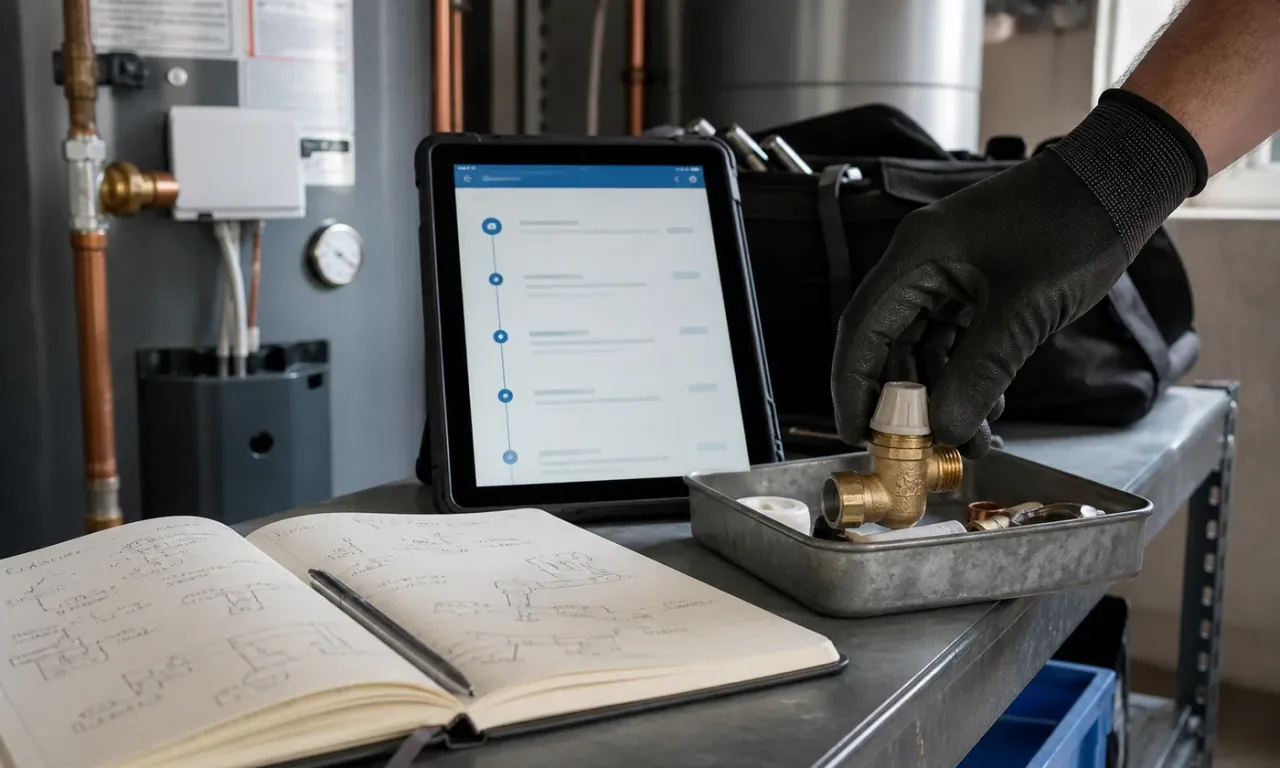
Customer management
A customer record worth keeping: what to note after every job
The practical details that help a returning customer feel remembered and save preparation time before the next visit.

Customer communications
Business phone numbers for solo contractors: what to choose
Choose a business number that feels professional, protects your personal line and still works naturally while you are on the job.

Website conversions
How a contractor website turns the right visitors into useful enquiries
Guide customers from first impression to a well-informed request with clear services, relevant proof, mobile actions and a sensible enquiry flow.

Less admin starts here
Keep the work moving and the whole business under control.
Bring your schedule, customers, invoices, payments and useful follow-ups into one calm workspace built for people doing the work.
Start using TradePocket